Most online PDF mergers copy your file to their server, combine it there, send it back. PDFLite skips that step entirely — your file never leaves your device.
What "uploading" actually means
A typical tool
Sends your file to a computer you don't control. Most say they delete it "within an hour" — but for that window, it's outside your control.
Why it matters
A birthday invite doesn't care. A contract, a medical chart, an account balance — that's the whole reason people go looking for "no upload."
How PDFLite avoids that step
Runs the merge with a JavaScript library (pdf-lib) inside your browser tab. Your browser reads the bytes directly off your device's disk, restructures pages in memory, hands back a file to download.
No server call, free or Premium — nothing to intercept, log, or retain. Not a "private mode" toggle — it's the only way the tool works. Also means it works offline once the page loads.
Step by step
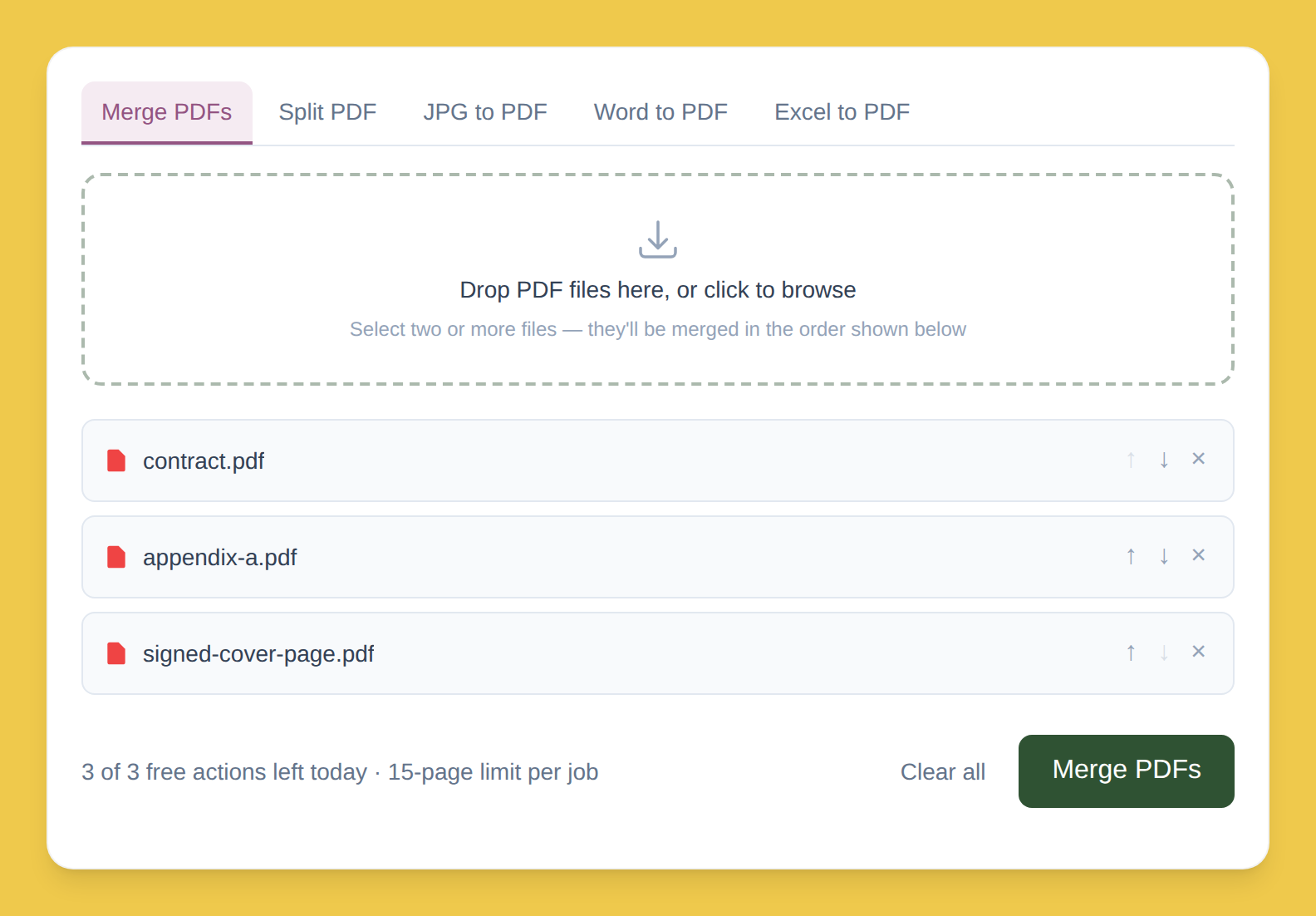
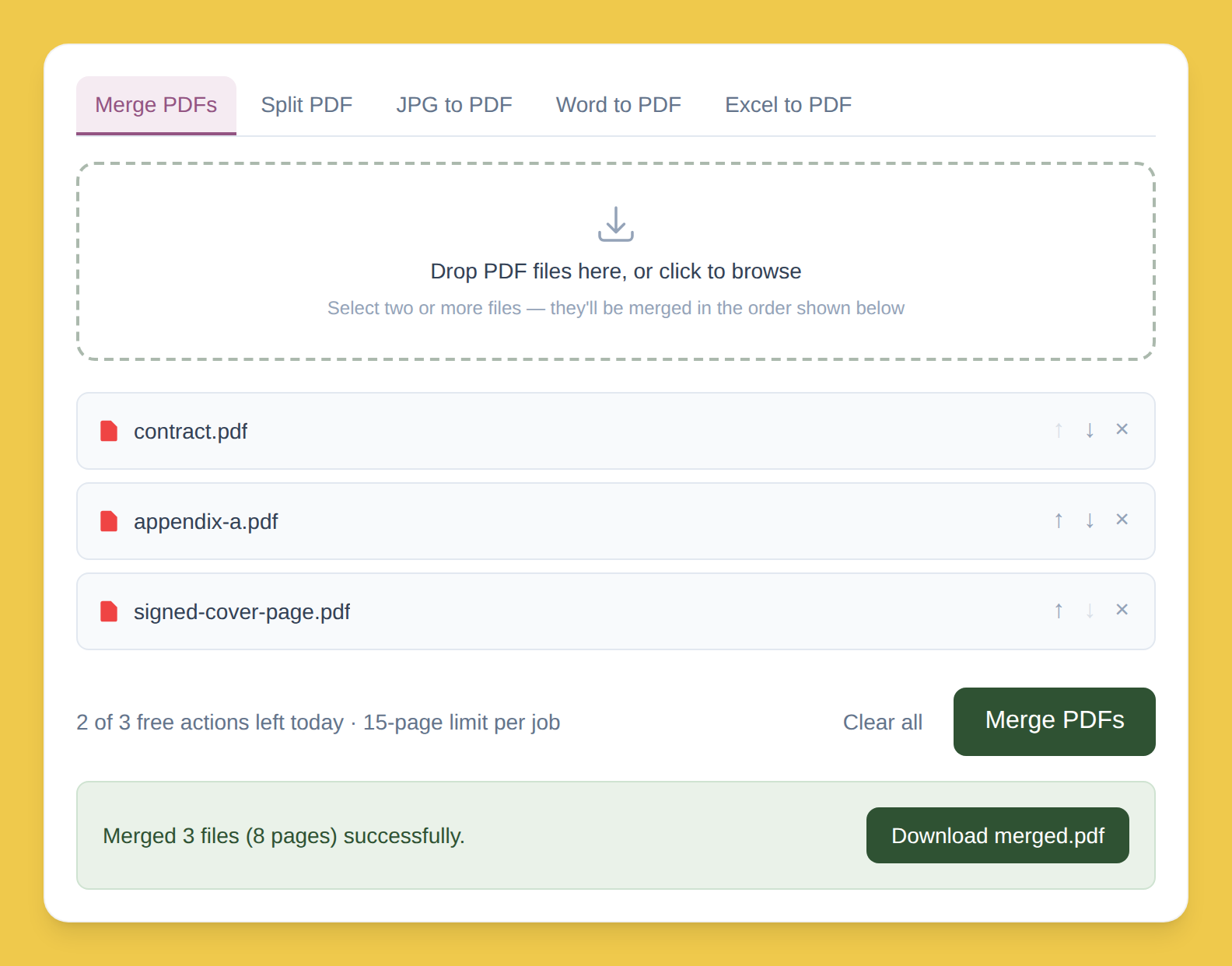
Drop your PDFs into the box. Read straight off your device, not sent anywhere.
Order them with ↑ / ↓. No re-uploading if you change your mind.
Click Merge, then download. Built in your browser's memory — never anywhere else.
Who this actually matters for
Lawyers
Privileged exhibits
Healthcare
Patient records
Finance
Statements
Anyone under NDA
Confidential docs
"The file never left my machine" is a much easier thing to stand behind than "the vendor says they delete it after an hour."
Free plan limits
3/day
Merge or split actions
15 pages
Cap per job
Premium removes both limits — $5/month, same no-upload behavior either way.