Drop in a few photos or screenshots, put them in order, download one PDF. Nothing is uploaded — the conversion happens entirely in this browser tab.
Step by step
Drop JPG or PNG images into the box. Scanned receipts, screenshots, photographed documents — anything.
Reorder with ↑ / ↓. Pages come out in the order you set.
Pick a page size. "Fit to image" keeps each page the size of its photo. A4/Letter centers it on a standard page.
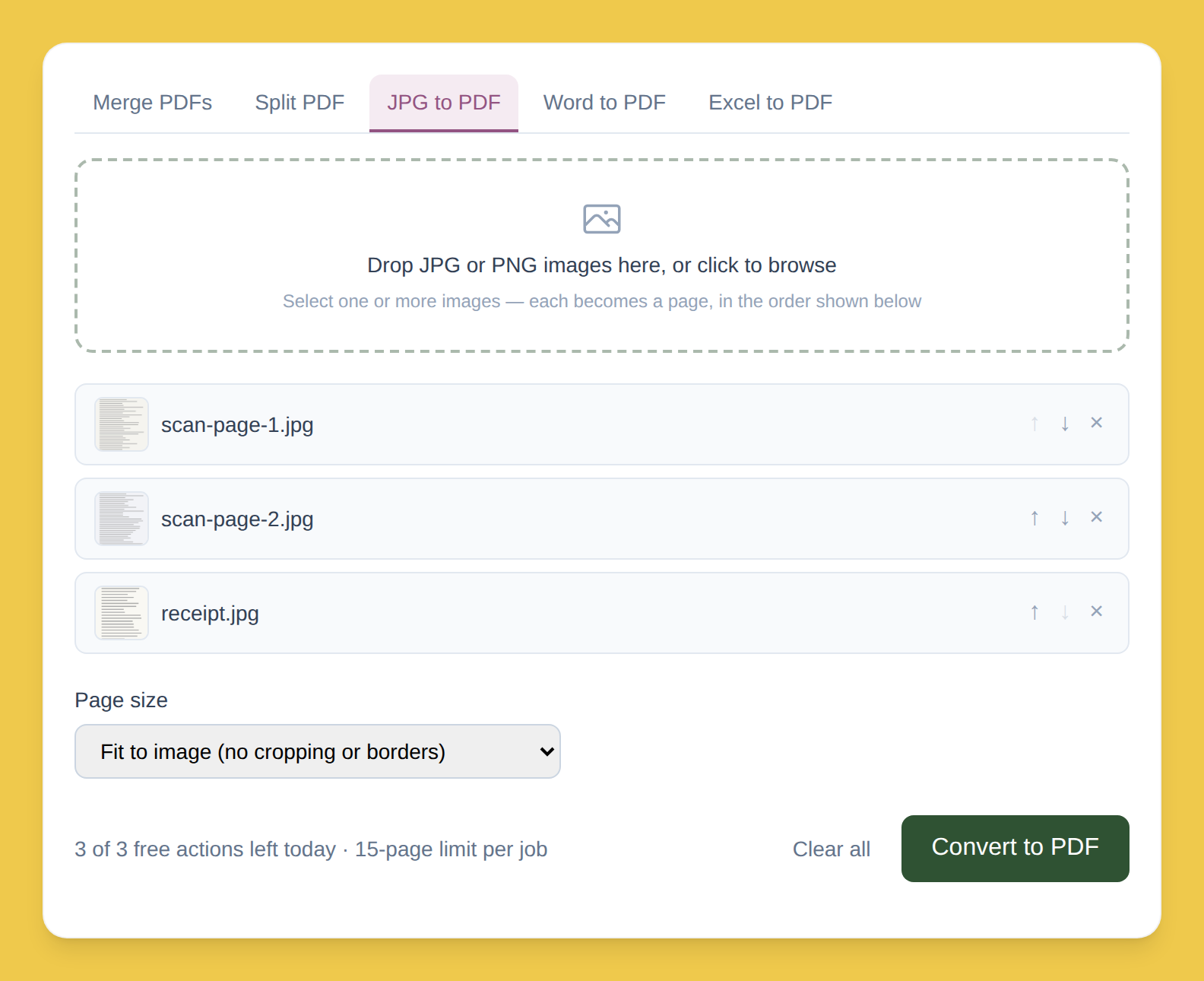
Click "Convert to PDF." Each image becomes one page.
Download images.pdf. Ready to attach, print, or archive.
Why nothing gets uploaded
Most free tools
Send your images to a server to convert, then send a file back — your photos sit, even briefly, on a computer you don't control.
PDFLite
Builds the PDF inside your browser tab (pdf-lib). Your images never leave your device — matters for scans of an ID, a contract, anything sensitive.
No watermark, at any tier
The output is exactly your images, placed on PDF pages — no logo, no branding stamped across the page, free plan or Premium.
Free plan limits
3/day
Conversions, free plan
15 images
Combined per job, free plan
Converting larger batches or daily? Premium removes both limits — $5/month.
Who this is for
Anyone who's taken a photo of a document with their phone and needed it as a proper PDF — an expense report, a rental application, a signature page, or a set of screenshots sent as one file instead of ten.